 Waida Studio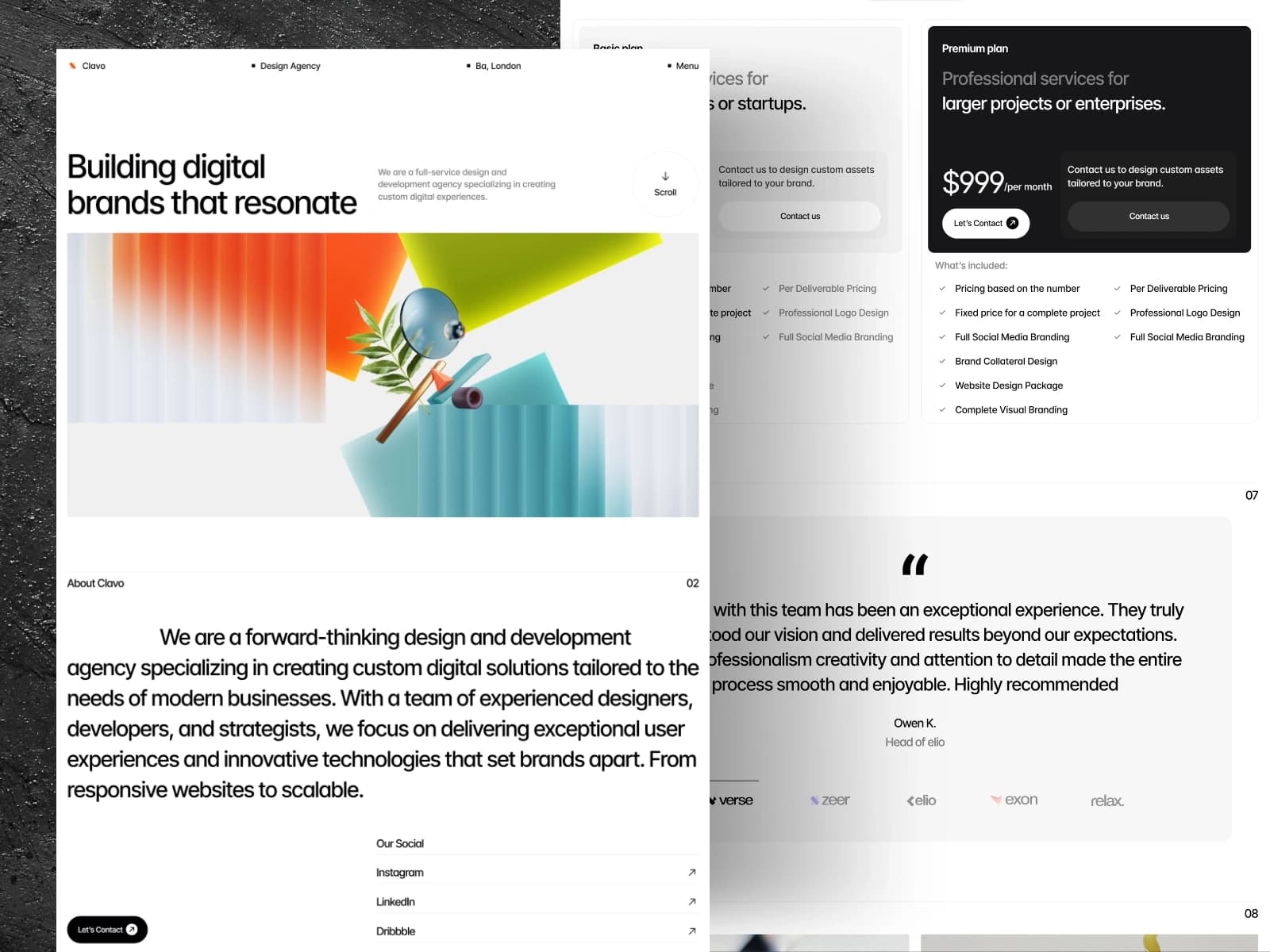
Clavo is a production-ready template for creative agencies, design studios, brand consultancies and independent designers who need a portfolio that carries weight and a way to price and sell the work without leaving the site. Built on Next.js 16, React 19 and TypeScript, it ships 20 page templates covering 37 routes, a nine-project portfolio, five service pages, a six-article journal, and a working cart and checkout — no CMS or backend required.
It reuses its original hand-crafted stylesheet rather than a utility framework, so the design is pixel-faithful and there is no build-time CSS pipeline to learn. Brand colors, fonts, type scale and spacing are CSS custom properties in a single :root block, and every project, service and article lives in an MDX file — so you can launch a real agency site in hours without touching the component code.
Live demo: https://clavo-peach.vercel.app
Tech Stack
Next.js 16 — App Router, server components, all routes prerendered to static HTML
React 19 — latest features; interactivity isolated to one client component
TypeScript — strict mode, fully typed
MDX content — projects, services and articles as
.mdxfiles with YAML frontmatter, served by[slug]dynamic routesOriginal hand-crafted CSS — no Tailwind, no rewritten stylesheet; tokens as CSS custom properties in one
:rootblockSelf-hosted fonts — served locally, no third-party font CDN
No animation library — scroll reveals, hover states and marquees in one TypeScript file, no GSAP
Client-side storefront — cart and order state in
localStorage, no database, no vendor SDK
Included Pages and Templates
Home — full-screen navigation overlay, project showcase, services, testimonials, pricing tabs and the promo slider
About — studio story, team and awards
Work — project index plus nine MDX case-study pages on a
[slug]routeService — service index plus five MDX detail pages
Blog — journal directory plus six full-length articles
Pricing — plan tabs with a real add-to-cart under each plan
Storefront — cart drawer, checkout and order confirmation
Contact — enquiry form and studio details
Utility — Style Guide, Changelog, License, 401 (password), 404
20 page templates, 37 routes.
Easy Content Editing
No CMS needed — content lives in editable files you can change in any text editor:
Projects —
src/content/works/*.mdx. Frontmatter carries the structured fields; the body holds the long-form case study.Services —
src/content/services/*.mdx, same pattern.Articles —
src/content/blog/*.mdxwith frontmatter for title, date and imagery.Adding a file adds a page — listings and
generateStaticParamspick it up automatically via the loader insrc/lib/content.ts.Other pages — edit copy and images directly in
src/app/<route>/page.tsx; each page mirrors the original template markup.Theme — brand colors, fonts, type scale and spacing are CSS custom properties at the top of
public/assets/css/styles.css— change them once to re-skin the whole site.Header, footer and cart — shared components edited once in
src/components/layout/.
Performance and SEO
Static-rendered pages out of the box (App Router) — every project, service and article page prerendered
Lazy-loaded imagery throughout with responsive srcsets
Self-hosted fonts — no third-party CDN requests at runtime
Per-page titles and metadata via the Next.js Metadata API, with Open Graph and Twitter cards
Semantic HTML structure, a single H1 per page, a route-aware active navigation state, and clean, crawlable URLs
Keyboard-navigable tabs, menus and accordions, and every animation respects the reduced motion setting
Deployment
One-click deploy to Vercel — build settings are auto-detected. Also runs on Netlify, AWS Amplify, Cloudflare Pages, or any Node 20+ host.
What You Get
Full Next.js 16 + TypeScript source code
20 page templates covering 37 routes
Content collections: 9 projects, 5 services and 6 articles as MDX
A working cart and checkout flow, ready to point at your payment provider
Self-contained HTML documentation
Comprehensive README with setup and editing guide
Friendly buyer support
Requirements
Node.js 20 or higher
Basic familiarity with the command line
A text editor (VS Code recommended)